
End of support countdown (live)
For the person who actually carries the risk, usually a finance director, an operations lead or the managing director, the question was never really about the operating system. It is whether the business can keep winning contracts, pass its next cyber insurance renewal, and answer a supplier security questionnaire honestly while a core system sits outside support. That is the decision sitting underneath the deadline, and it is worth getting ahead of while there is still room to plan rather than react.
If you have already worked through this for your desktops, some of it will feel familiar. Our companion guide on Windows 10 end of life covers the endpoint side of the same story. This post deals with the server, where the stakes and the lead times are higher.
Product: Windows Server 2016 (Standard, Datacenter and Essentials editions).
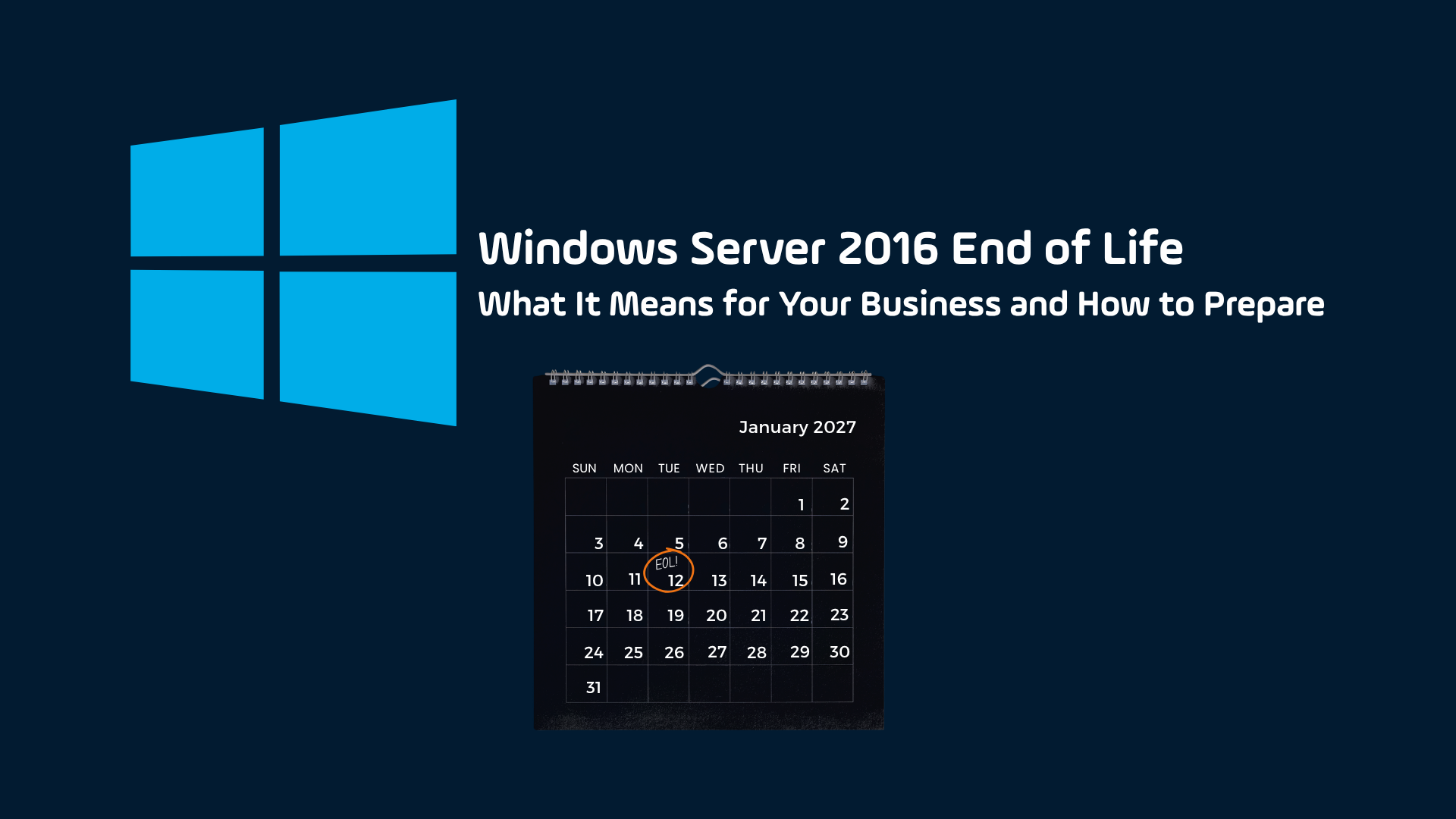
End of extended support: 12 January 2027.
What changes: no more security updates, no bug fixes and no technical support from Microsoft.
Temporary bridge: paid Extended Security Updates for up to three years, priced to encourage you to move rather than stay.
Recommended paths: upgrade to Windows Server 2022 or 2025, or migrate the workload to Microsoft Azure.
What actually happens on 12 January 2027?
Nothing switches off. Your server keeps running exactly as it did the day before. What stops is the stream of monthly security patches that has been quietly protecting it. From that date, Microsoft no longer issues fixes for newly discovered vulnerabilities in Windows Server 2016, no longer ships bug fixes, and no longer provides technical support. Microsoft confirmed the date in its own Windows Server 2016 end of support guidance and on the Microsoft Lifecycle page.
The effect is gradual rather than dramatic. Every vulnerability found after that date stays open on your server, permanently, because there is no longer a team writing patches for it. Here is the same idea, side by side.
Before 12 January 2027
- Security patches arriving every month
- Newly found vulnerabilities get fixed
- Cyber insurance requirements likely met
- Time to migrate at a controlled pace
- Vendor and Microsoft support available
After 12 January 2027
- No more patches, permanently
- New vulnerabilities stay open with no fix coming
- An unsupported system puts cover in doubt
- Emergency migration at a premium cost
- Vendor support ends alongside the OS
Why an ageing server becomes a board level concern
By the time an unsupported server reaches the board’s attention, it has usually stopped being a line item in the IT budget and started shaping things leadership cares about directly: contracts, insurance, audits and reputation. Four pressures tend to arrive together.
Security exposure that only grows
Attackers pay attention to these dates too. End of support milestones are published, and probing of unsupported systems tends to rise once the patches stop, because a server that will never be fixed again is a soft target. They favour known, unpatched weaknesses over anything exotic. In its 2025 State of Ransomware research, Sophos found that exploited software vulnerabilities were the single most common root cause of ransomware, behind roughly a third of incidents. For smaller organisations the odds are worse than most leaders assume. The Verizon Data Breach Investigations Report for 2025 found ransomware present in 44 percent of all breaches it reviewed, rising to 88 percent of breaches at small and mid sized businesses.
Cyber insurance that may not pay out
Insurers have tightened sharply. Recent industry reporting puts cyber insurance claim denial rates above 40 percent, and a common reason is a gap between the controls a business attested to and the controls actually in place when the incident happened. Running unsupported software, or failing to patch, sits squarely in that gap. Your insurer needs to see that you are running supported software, and if you file a claim and they audit your environment, an unsupported server is exactly the kind of detail that triggers a denial.
Compliance that quietly fails
Most of the frameworks our clients work within assume supported software. Cyber Essentials requires that software in scope is supported and receiving security updates. ISO 27001 expects you to manage technical vulnerabilities and demonstrate control. Part-IS and, for health and care organisations, the NHS Data Security and Protection Toolkit (DSPT) ask similar questions. Running Server 2016 past the deadline leaves a documentable gap that auditors will find, and turns a clean audit into a finding you have to explain and remediate.
Contracts that depend on your answers
If you sell into larger organisations, regulated sectors or public bodies, you are increasingly asked to complete supplier security questionnaires. One honest line about running an unsupported server can stall a renewal or cost you a place on a framework. The question stops being whether the box is patched and becomes why you are still running it.
“It still works, so why rush?”
This is the most reasonable objection and the most expensive one. The server is stable today, so the temptation is to leave the decision until nearer the deadline. The trouble is that server migrations do not compress well, and the businesses that start the conversation now can move at a controlled pace with minimal disruption. Rushed migrations cost more and break more.
There is a second clock most people miss. A large share of Windows Server 2016 boxes also run SQL Server 2016, and that database reached its own end of extended support on 14 July 2026, confirmed in Microsoft’s SQL Server 2016 end of support notice. If that describes your estate, part of your platform is already outside support today, and the server deadline in January simply closes the gap. Anyone still weighing this up is not choosing between acting and waiting. They are choosing between planning the move and being forced into it.
Microsoft offers paid Extended Security Updates for up to three years past the deadline. They buy time, not a solution, and the pricing is deliberately steep. For SQL Server 2016, the cost runs at 75 percent of the licence price in year one, 150 percent in year two and 300 percent in year three. By the time you have paid for three years of patches, the bill often rivals a proper upgrade, and you are still on old software.
How long does a Server 2016 migration actually take?
Longer than most people expect, which is the whole reason to start early. A migration is four stages, and each one takes real time before you get to a safe cutover.
Complex estates, especially those with an older line of business application or a cautious software vendor, can run longer. Count backwards from 12 January 2027 and the window to do this calmly is already narrowing.
What are your options?
There are three sensible destinations, and the right one depends on how much you want to modernise now versus later. Each keeps you supported and keeps your compliance and insurance answers clean.
Windows Server 2022
The steady choice when compatibility with an existing application matters more than chasing the newest release. Extended support runs through 14 October 2031, giving a long planning horizon without a large leap.
Windows Server 2025
The best fit when you want the longest runway and are already refreshing infrastructure. Newer security features and hybrid management, in exchange for validating compatibility up front.
Migrate to Microsoft Azure
Move the workload off ageing hardware entirely. This removes the “replace the box” problem for good and shifts you to predictable monthly cost, with room to consolidate other systems later.
For many organisations the honest answer is a mix: some workloads lift to a modern server, others move to Azure or a supported cloud service, and a small number retire because nobody could remember why they were still running. The value of starting early is that you get to make those calls calmly, with evidence, rather than under deadline pressure.
A quick example: what early planning saves
A North East manufacturer, roughly 90 staff, came to us with a single Windows Server 2016 box running their production scheduling application and a SQL Server 2016 database. Their cyber insurance renewal was four months out and the broker had already flagged unsupported software as a concern.
We ran the whole project over about three months. Discovery and planning in the first fortnight confirmed the application was supported on Windows Server 2022. Procurement, a test build and a full rehearsal followed, and the live cutover was done over a single planned weekend with a tested rollback in place. Downtime on the Monday was under an hour.
The numbers that mattered: a three month project, a weekend cutover, under one hour of business-hours downtime, zero data loss, and an insurance renewal protected. Left another few months, the same job would have collided with the deadline, the broker and a rushed timeline all at once.
How to plan the move, step by step
Find every affected system
Inventory all Windows Server 2016 instances, and flag any SQL Server 2016 running alongside them. You cannot plan what you have not counted.
Check application compatibility
Confirm which line of business applications are supported on Windows Server 2022 or 2025, and which need a vendor conversation first.
Choose a destination per workload
Decide, workload by workload, between a modern server, Azure or retirement. One size rarely fits a whole estate.
Schedule, test and cut over
Plan the migration with a tested rollback, run it in a low-impact window, and validate before you call it done. Then update your compliance and insurance evidence.
How Bondgate IT helps
We work alongside finance, operations and leadership teams to turn a lifecycle deadline into a controlled piece of planning rather than a scramble. That means a clear inventory of what is affected, a recommendation you can put in front of a board, a migration handled with minimal disruption, and the evidence you need for Cyber Essentials, ISO 27001, Part-IS or DSPT and your insurer once it is done. Bondgate IT has supported organisations across the North East for more than 26 years, and we are ISO 27001, ISO 9001 and Cyber Essentials certified, so the standards we help you meet are ones we hold ourselves.
Related services: Managed IT Support, Cyber Security, Cloud Solutions and Business Continuity and Disaster Recovery.
Key takeaways
- Windows Server 2016 reaches end of extended support on 12 January 2027. After that, no security updates, bug fixes or Microsoft support.
- SQL Server 2016, often on the same server, already reached end of support on 14 July 2026, so many estates are exposed today.
- Running unsupported software raises security risk, threatens cyber insurance payouts, and can fail Cyber Essentials, ISO 27001, Part-IS and DSPT checks.
- Extended Security Updates are a paid, temporary bridge with rising annual costs, not a long term answer.
- A typical migration runs three to six months across discovery, procurement, testing and training, longer for complex estates, so start now.
Frequently asked questions
Will my Windows Server 2016 stop working on 12 January 2027?
Can I just buy Extended Security Updates and carry on?
How long does a Server 2016 migration take?
Does running Windows Server 2016 affect our cyber insurance?
Should we move to a new server or to the cloud?
Fifteen minutes is enough to tell you exactly where you stand
The hardest part is not the migration. It is knowing exactly what you have, what it touches, and what “done safely” looks like. We will inventory your affected systems, confirm application compatibility, and give you a clear plan and timeline you can take to the board, with no obligation. If you run Windows Server 2016 anywhere, this is the fastest way to turn a looming deadline into a decision you control.